
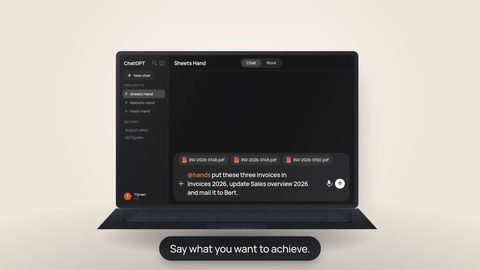
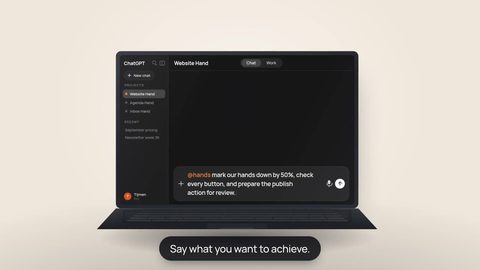
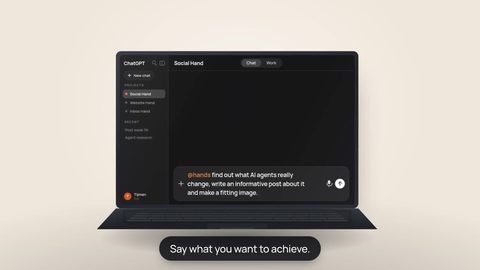


Live browser control is a runtime capability and is not available on every Hands environment yet. When your Hand has it enabled, the browser can become an extra route for work that is not exposed through a structured App connection.
A good integration is usually the best place to start. A Plug-in can give your Hand a prepared provider connection. A Connector can expose a set of MCP tools. An API can offer predictable operations and structured data. These routes are fast, clear and easier to reason about than clicking around a website.
But an integration only exposes what it was built to expose. The website behind it may contain another setting, form, workflow or administrative screen that is not available through the connected tools.
Why Apps still come first
The browser is not a replacement for Apps. It is the useful second route when the structured route reaches its edge.
Structured tools are usually the cleanest route for reading data or performing a supported action.
A browser-enabled Hand can interact with the same interface a person would use, instead of pretending the missing API action exists.
This changes an important question. Instead of asking “does this service have an API for every single thing I need?”, you can ask “what is the best route for this step?” Sometimes the answer is the Connector. Sometimes it is a Plug-in. Sometimes it is the website itself.
Where the browser helps
When live browser control is enabled, the status card can show the Hand’s browser while it works. You can watch the foreground page, and the Hand can navigate pages, click controls and fill ordinary fields as part of the task.
That makes the browser especially useful for the long tail of work: the one setting hidden in a dashboard, a configuration screen that has no matching API action, a provider flow that changes faster than an integration, or a task that crosses several pages in a web application.
“Check whether this setting exists in the provider dashboard. If the Connector cannot change it, open the website and continue there. Ask me to take over only if you reach a login or another step that I should complete myself.”
How login handoff works
Login is where browser automation should become a collaboration rather than a password-sharing exercise. When the page needs your credentials, the Hand can start a Take control handoff. You get control of that browser, sign in directly on the website and then use Give back when you are finished.
 You give it backThe Hand can continue from the authenticated browser state.
During a credential handoff, the Hand must not drive, read or screenshot the browser. You should never need to paste a password into the conversation just so the work can continue.
A practical example
Imagine you want your Hand to change a setting at a SaaS provider. The provider’s Connector lets the Hand inspect your account and manage several common objects, but this specific setting is only present in the web dashboard.
- First, the Hand checks the structured route. If the relevant tool exists, it uses that.
- If the tool is missing, it can move to the website. The task does not need to stop simply because the API surface is smaller than the product interface.
- If the website asks for login, you take control. You authenticate directly with the provider.
- Then you give the browser back. The Hand can inspect the authenticated page and continue with the requested workflow.
The useful part is not “AI clicks buttons”. The useful part is continuity: the work can move between structured tools, a human authentication moment and the graphical interface without forcing you to restart the task from scratch.
What the browser does not change
A browser is not a way around permissions. The Hand can only work with what the signed-in account and the website itself allow. Provider rules, account permissions, confirmations and security checks still apply.
It is also not always the best route. If a safe, structured App action exists, that is usually preferable. Browser interfaces can change, and some consequential actions should still pause for your review rather than being treated as routine clicks.
And because browser control depends on the runtime, you should not assume every Hand has this capability today. The interface should make it visible when live browser control is available.
Apps give your Hand structured tools. The browser gives it a way to work with the parts of a website those tools do not expose. The login handoff keeps the human in control of credentials. Together, those routes make the boundary of an API much less likely to be the boundary of the task.
Start with the cleanest route, then keep going.
Use Plug-ins and Connectors for the work they expose well. When live browser control is available on your Hand and the missing step lives only in the website, let the task continue there — with you taking control only for the moments that should stay yours.